
Banned keywords
Block or warn on words, phrases, email addresses, phone numbers, and patterns you define.
Comments, ratings, polls and forms for your readers. A queue, rules and roles for the people looking after them. Webhooks to send it all wherever you need it.
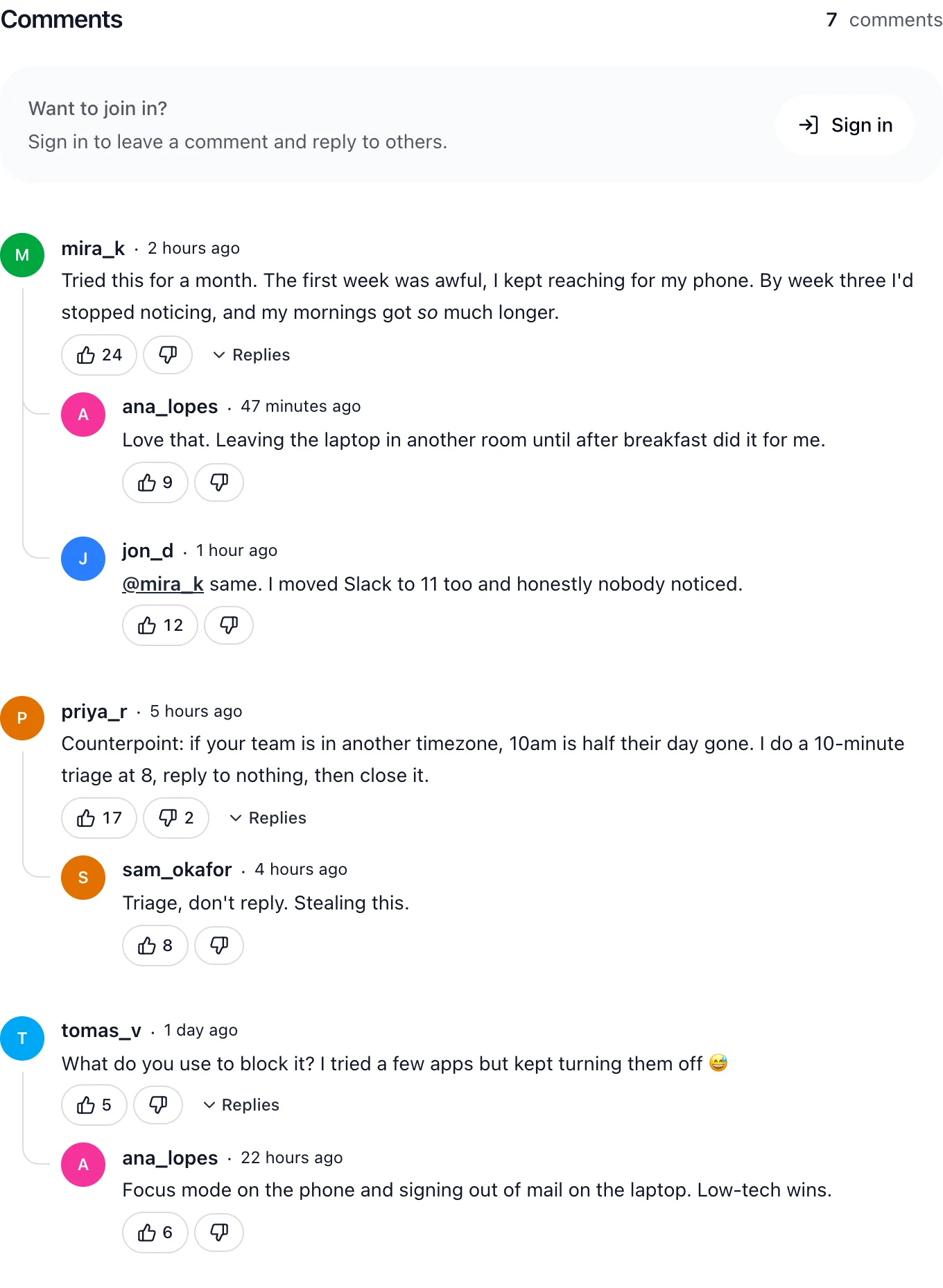
A proper editor, replies that stay attached to the right comment, and votes that land instantly. Readers sign in once with Google or an email code, and that account works on every Disfora site. Or let them comment as guests, with just a name.
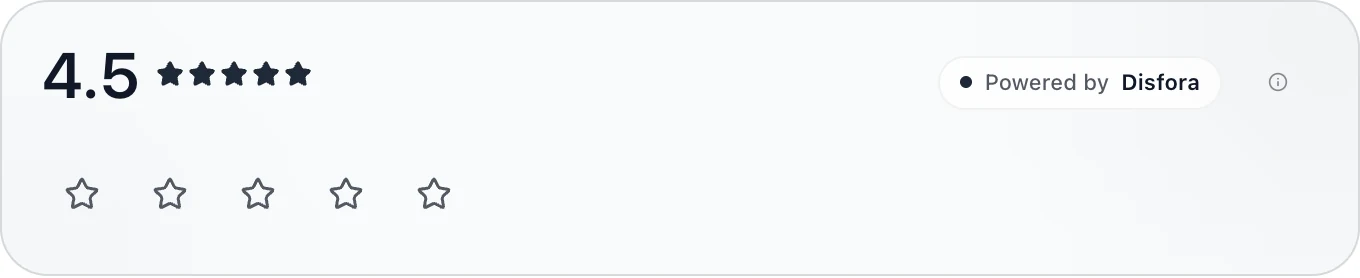
Drop a star rating on any page and let people score it from one to five. The average and total update live, so the next visitor always sees current, real feedback.
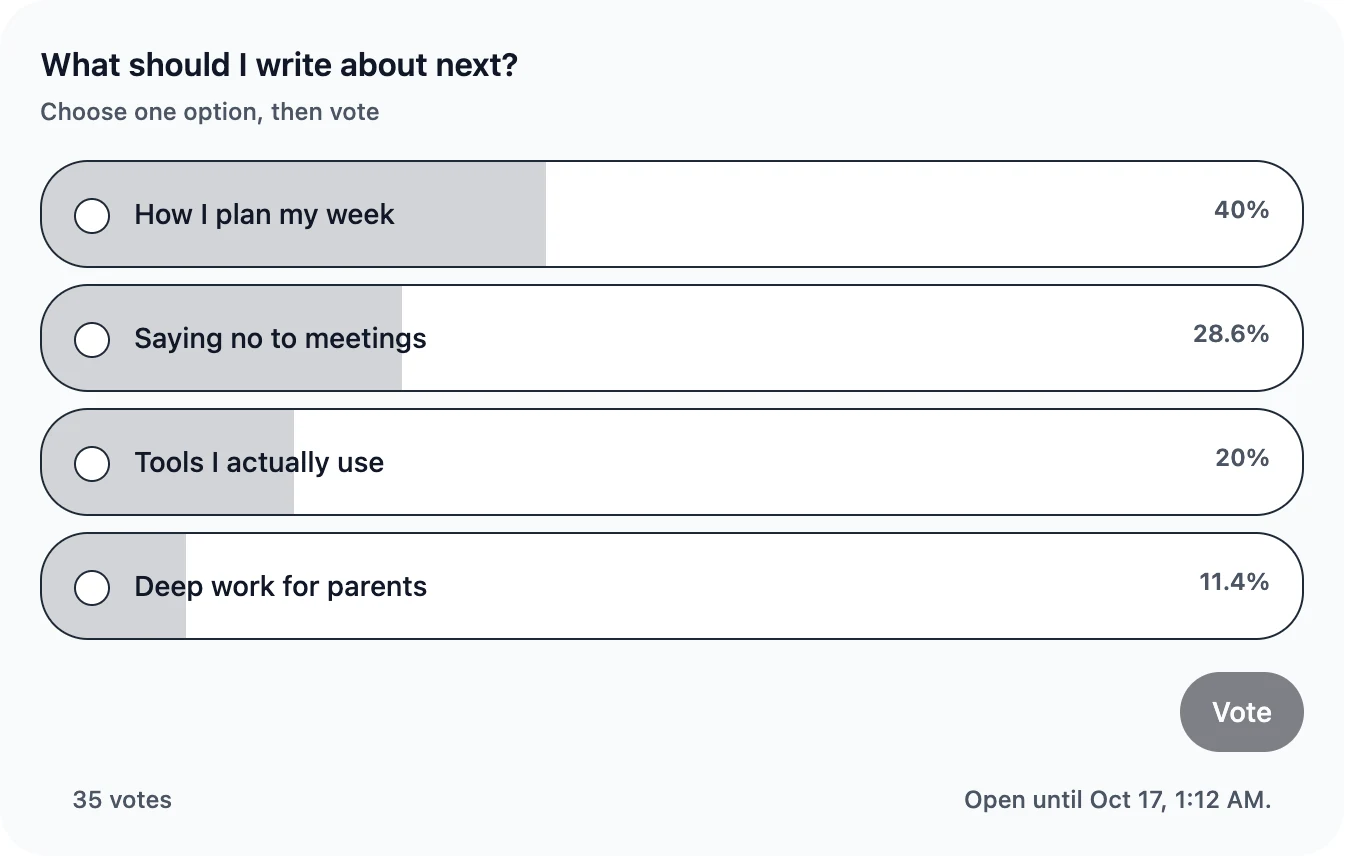
Add targeted polls to launch notes, docs, product pages, or articles. Single-choice and multi-choice voting keep feedback lightweight without sending visitors to a form.
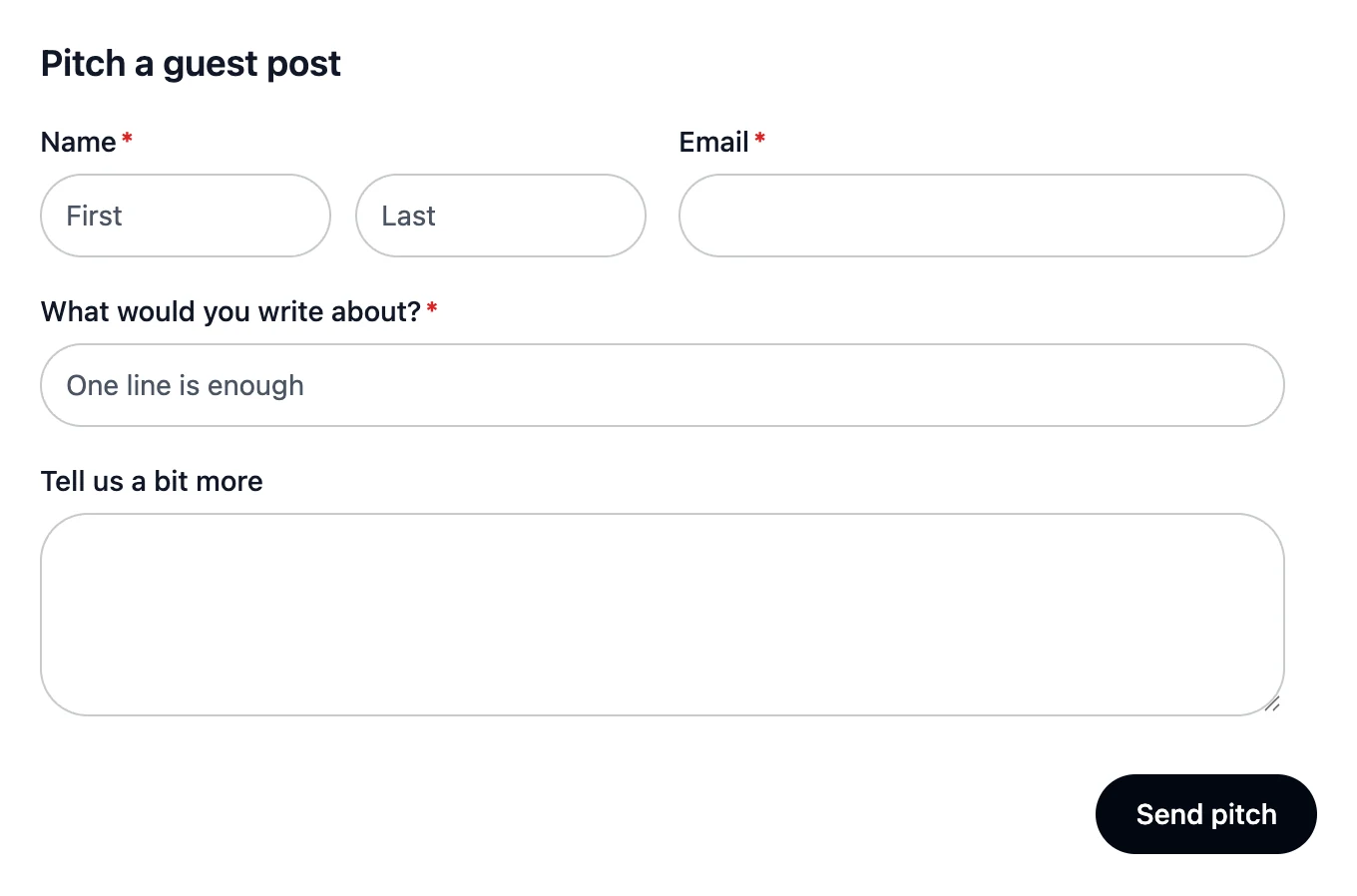
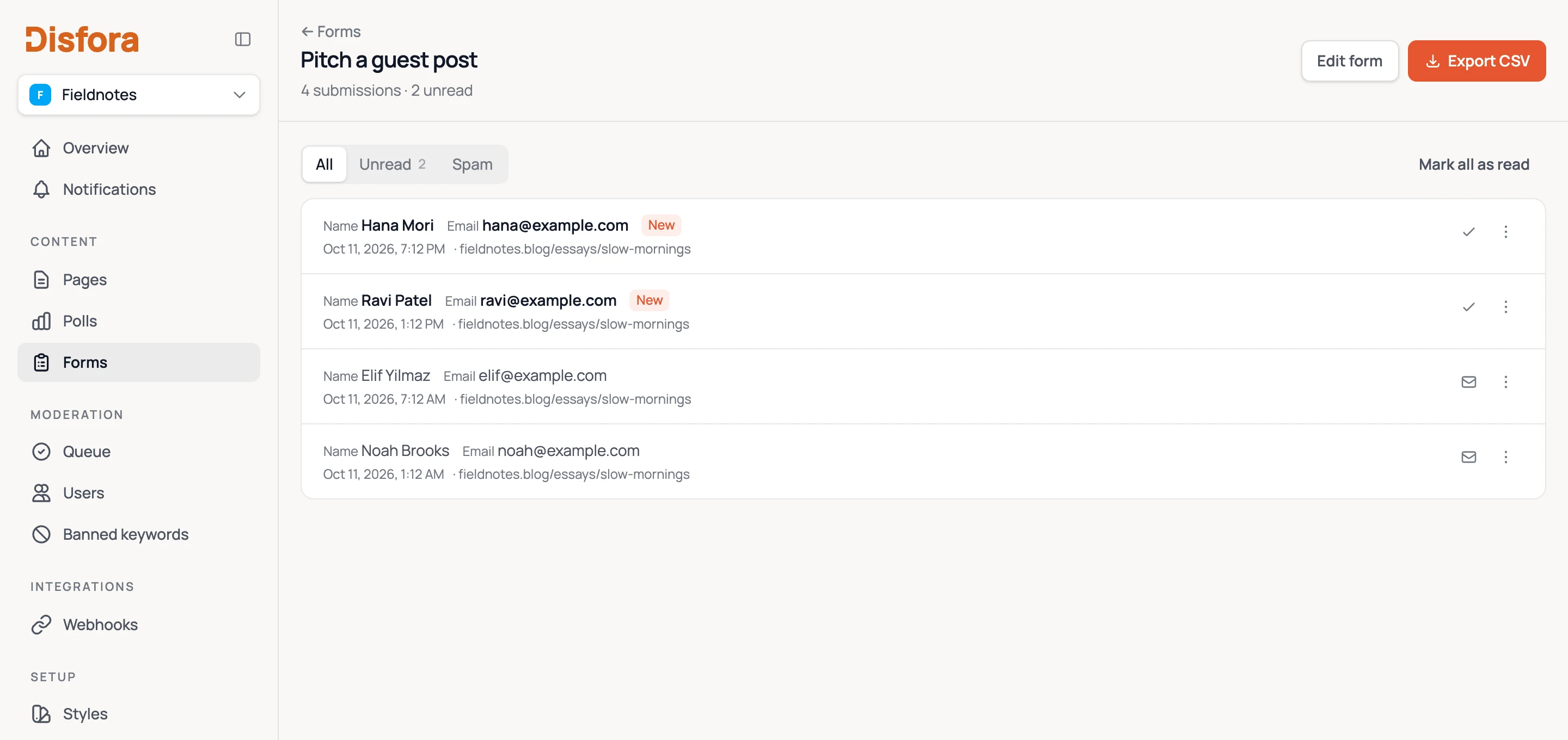
Build a form in the dashboard, drop one marker into the page, and submissions land in Disfora - no form builder subscription, no third-party embed, no iframe.
Hold every comment for approval, or only the ones that trip a filter. Block the words and links you don't want, and ban the people who won't stop. What needs a look goes to a queue your team works through together.
Set up moderation free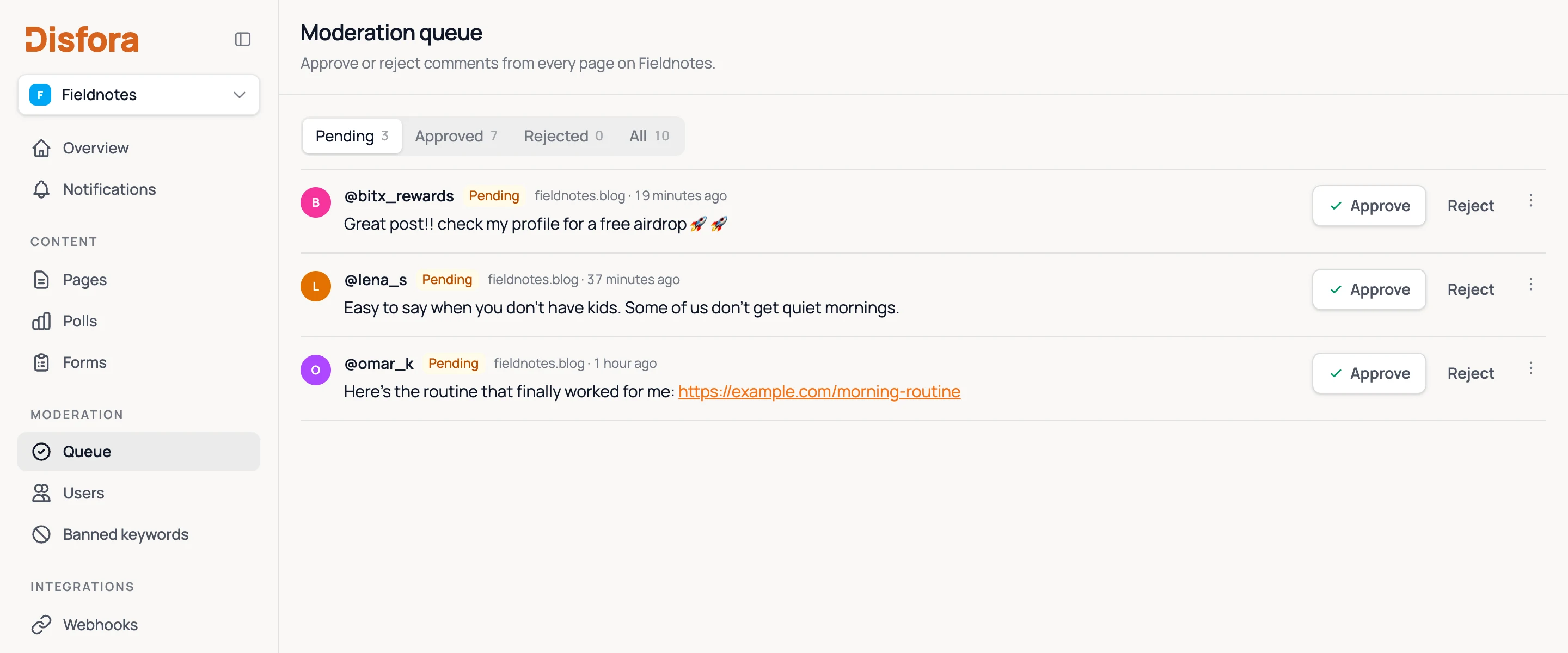
Block or warn on words, phrases, email addresses, phone numbers, and patterns you define.
Limit disruptive users while keeping the moderation experience calm and predictable.
Track who acted, what changed, when it happened, and why.
Invite owners, managers, editors, and viewers with the right level of access.
Add an endpoint, pick the events you care about, and Disfora POSTs them as they happen. Each request is signed so you can check it came from us.
| Event | Fires when |
|---|---|
| comment.created | A comment or reply is posted |
| comment.updated | The author edits a comment |
| comment.status_changed | A moderator approves, rejects or reopens a comment |
| comment.deleted | A comment is deleted |
| rating.submitted | Someone rates a page or changes their rating |
| form.submitted | Someone submits a form (spam is never sent) |
Add your domain, prove it's yours with a DNS record, a file or a meta tag, and paste the script. There's no API key in your HTML. Disfora works out which site it's on from the domain.
On WordPress, the plugin does all of this. Install it, click Connect, and Disfora replaces your theme's comments, with a block and shortcodes for ratings, polls and forms. Set up the WordPress plugin.
Moving from Disqus, Commento or WordPress comments? You can import your existing comments with their replies, author names and dates. See how the import works.
<script src="https://disfora.com/public/disfora.js" async></script>

<div data-disfora-ratings></div>
<div data-disfora-poll-id="00000000-0000-0000-0000-000000000000"></div>
<div data-disfora-comments></div>
The script loads once. The containers decide where ratings, polls, and comments render.
Start from a preset, then tune colors, fonts, spacing, and corner radii from the dashboard.
Read the guide →Each module loads only on pages that have its container, so nothing ships where it is not used.
Serve API and auth from comments.yoursite.com for first-party cookies and cleaner trust boundaries.
With the Chrome or Firefox extension, readers can open a Disfora discussion on any URL, even sites that never installed it.
Comments, ratings, polls, forms, moderation and webhooks, with no card and no time limit.