
Free on every site
giscus costs nothing however many sites you run, and it's open source if you'd rather host it yourself. Disfora is hosted only: free for one site, then $5 a month for three.
With giscus and utterances, only people with a GitHub account can comment. That suits a developer audience and shuts out everyone else. On Disfora, readers sign in with Google or an email code, or comment as guests, and moderation is built in.
Switching from something else? See every comparison
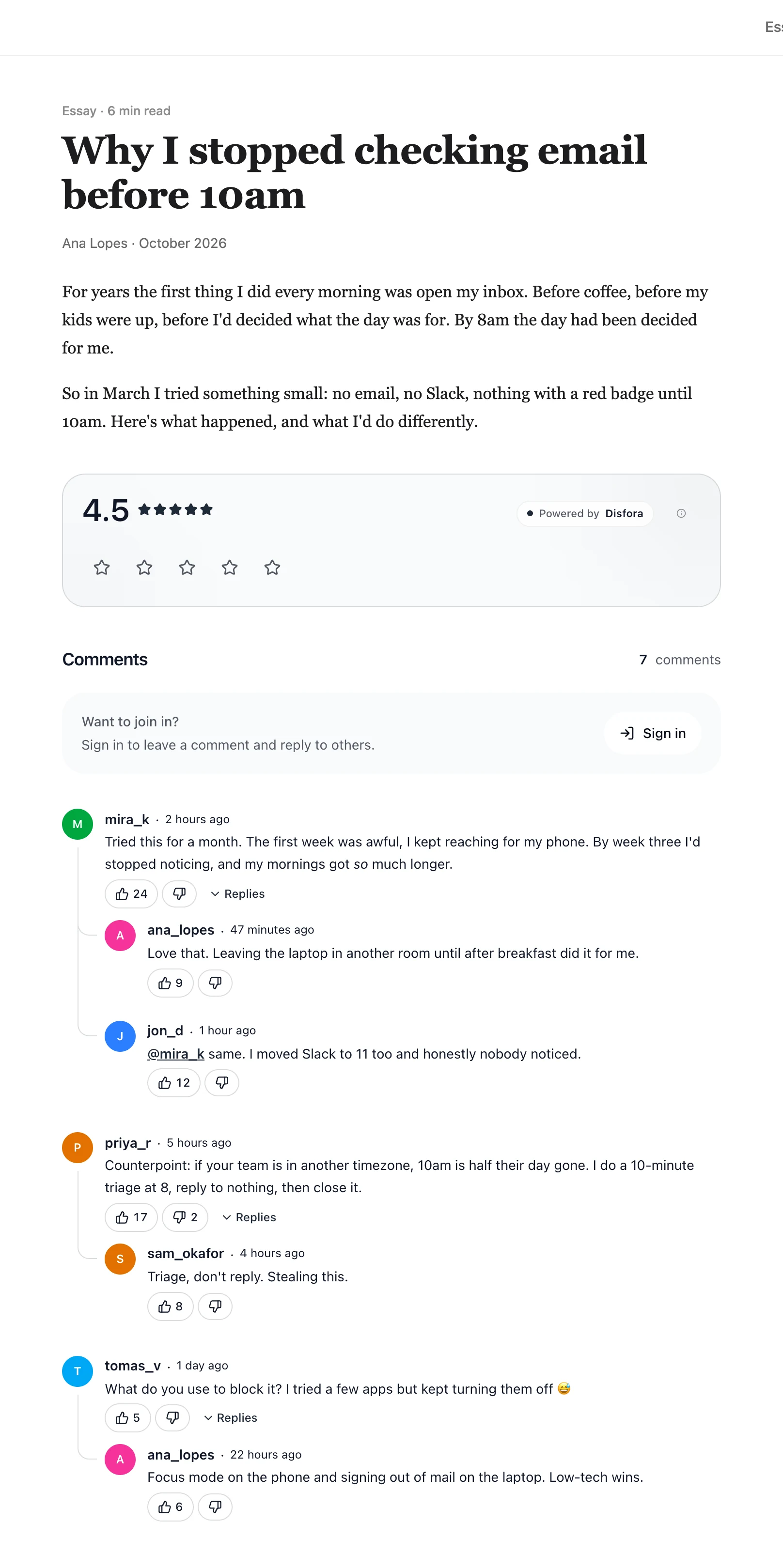
giscus and utterances turn GitHub into a comment system. Each page gets a discussion (giscus) or an issue (utterances) in a public repository, and the widget shows it in an iframe. They're free, open source and have no ads, which is why so many developer blogs and docs sites use them.
The catch is signing in. To comment, a reader needs a GitHub account and has to let the app post for them. GitHub's prompt only says the app wants to "act on your behalf", and readers have asked what that covers. Anyone without a GitHub account can't comment at all.
Moderation happens on GitHub, one comment at a time, with no approval queue or spam rules. And utterances hasn't changed since February 2022; giscus is still updated.
Disfora goes on the same pages with one script tag, and there are guides for Hugo, Jekyll, Astro, Docusaurus and MkDocs.
Including what giscus does better, like costing nothing and keeping comments in your own repository.
| Feature | Disfora | giscus |
|---|---|---|
| Status | Active | Active. utterances, which inspired it, hasn't changed since February 2022 |
| Who can comment | Readers who sign in with Google or an email code, and guests with just a name if you turn guest comments on | People with a GitHub account, after letting the giscus app post for them |
| Where comments live | In Disfora. Webhooks send each new comment to your server as it's posted | In your repository's GitHub Discussions (utterances uses Issues). The repository has to be public |
| Hosting | Hosted. Nothing to install or keep patched | Free at giscus.app, or self-hosted. Open source |
| Embedding | Renders in your page from one script tag | Inside an iframe, from one script tag |
| Styling | Uses your fonts; colours, spacing and corners set from the dashboard | Built-in themes, one that follows the reader's light or dark setting, or your own CSS |
| Comments | Threaded replies, votes, @mentions, Markdown with code blocks, and GIFs, with reply notifications | Replies, reactions and GitHub Markdown, with notifications from GitHub |
| Moderation | Approval queue, banned keywords, bans and shadow bans | On GitHub: hide, edit or delete comments, lock threads and block users. No approval queue |
| Other widgets | Star ratings, polls and forms from the same script | Reactions to the post |
| Price | Free for one site, then $5 a month for three | Free |
Based on giscus's documentation, its repository and utterances' repository. Last reviewed October 2026.
giscus costs nothing however many sites you run, and it's open source if you'd rather host it yourself. Disfora is hosted only: free for one site, then $5 a month for three.
Every comment is a GitHub Discussion in your repo, where you can search it, edit it or read it through GitHub's API. Disfora has no export yet; webhooks send each new comment to your server instead.
Readers use the GitHub account and Markdown they already know, code is syntax-highlighted, and the widget can follow their light or dark setting. Disfora has code blocks without highlighting, and one style that you set.
Delete the giscus client.js script and the element with the class giscus, or the utteranc.es script for utterances. If your theme turned comments on in its config, turn them off there instead.
Create a free account, start a project and enter your domain. No card needed.
Paste the script tag once, and put an empty container where the comments should go. On WordPress, install the Disfora plugin instead: it does this for you.
Prove the site is yours with a meta tag, a file or a DNS record. Comments start showing straight away.
Readers sign in with Google or an email code. To let them comment with just a name too, add free Cloudflare Turnstile keys in Settings and turn on guest comments.
Your giscus comments stay in your repository's Discussions when you remove the script, and utterances comments stay in its Issues. Nothing is deleted, and anyone can still read them on GitHub.
Disfora can't import them yet, so each page starts with a new thread. If you'd like them brought across, tell us: it decides which importers we build next.
Webhooks send every comment to your own server as it's posted, edited or deleted, as signed JSON. They're on the free plan, so your comments don't have to live only in someone else's database.
Yes. Readers sign in with Google or with a code sent to their email, once, and the same account works on every site that runs Disfora. Turn on guest comments and they can comment with just a name. With giscus and utterances, every commenter needs a GitHub account.
Its code hasn't changed since February 2022, so it still runs but gets no fixes. giscus, which was inspired by it, uses GitHub Discussions instead of Issues and is still updated.
Not yet. They stay in your repository's GitHub Discussions or Issues, where anyone can still read them. If you'd like them imported, tell us through the contact page: it decides which importers we build next.
Turn on webhooks. Disfora sends every comment to your server as signed JSON when it's posted, edited, moderated or deleted, so you build up your own copy as you go. Webhooks are on the free plan.
No. Disfora renders directly in your page from a single script tag, so it uses your site's fonts and layout.
Yes. One site is free with comments, ratings, polls, forms, moderation and webhooks. Paid plans add more sites, automations, form email alerts, unbranded widgets and team members.
The free plan covers one site, takes a few minutes to set up and doesn't need a card.